Terminal
Any phone is a crypto POS terminal
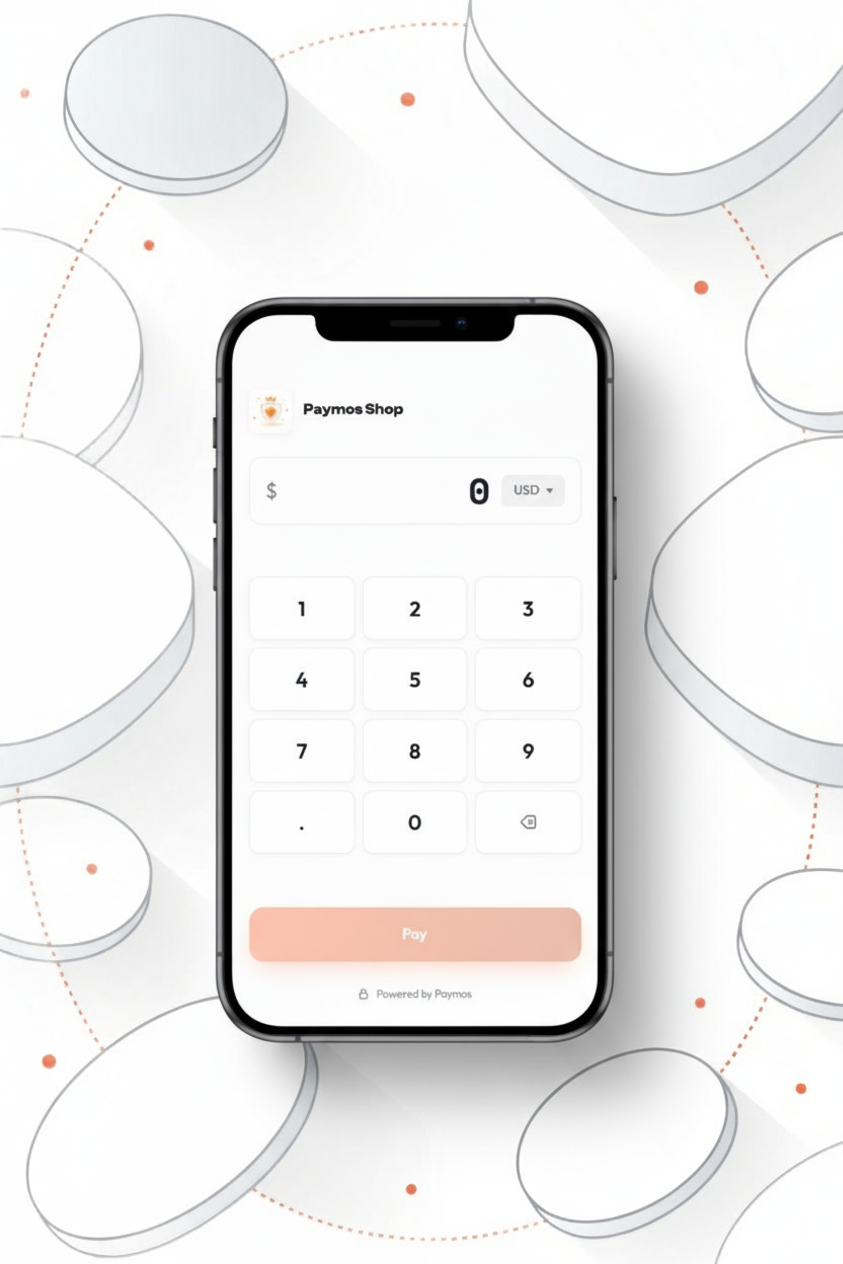
Open one URL on a phone or tablet. Enter the amount on the numpad, show the QR — customer pays from any wallet, you see the payment confirm in real time.
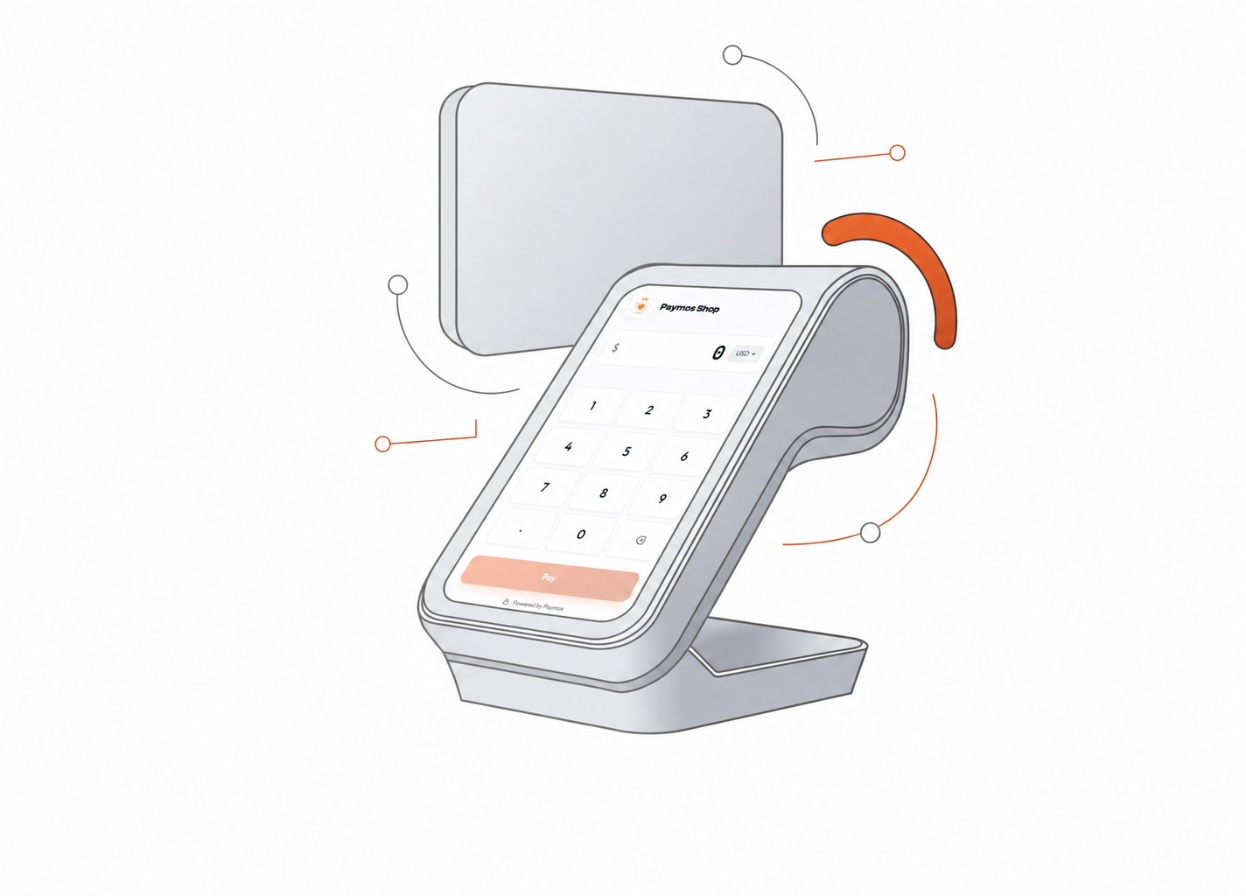
In-person payments
Stablecoin acceptance on an existing device
One URL on a device you already own. The customer scans, the network confirms, the payment lands on your balance — no card reader, no monthly subscription, no chargeback risk.
One URL, no install
Open the POS link on any phone or tablet. No app to download, no SDK, no setup wizard. The same URL works on every device you own.
Numpad first
Enter the price the way you would on any cash register. Pick the currency from a dropdown — 46 fiat currencies supported.
Multi-device by default
Run the same URL on three phones in three corners of the shop. Each cashier creates their own invoice. No device licensing, no per-seat fee.
Stays on brand
Logo, accent colour, corner radius from your project's branding panel. The terminal looks like your store, not like a generic Paymos page.
How it works
From amount entry to verified payment
Enter the amount, show the QR code, and wait for the confirmation policy configured for the selected network and amount.
- 1
Open the POS URL
One link per project, generated in your Paymos dashboard. Save it as a home-screen icon on every device in the shop.
- 2
Enter the amount, hit Pay
Type the price on the numpad, pick the currency. Tap Pay — the screen flips to a QR code with the exact amount.
- 3
Customer scans, payment confirms
They scan with Trust Wallet, MetaMask, Tonkeeper, Phantom — or whatever wallet is already on the phone. The screen flips to confirmed as soon as the network returns it. Hand over the goods.
Suitable business models
Where the terminal pays for itself
Anywhere a card-rail fee or chargeback risk costs more than a flat 1.0%, Paymos terminal makes the math work.
Cafes and coffee shops
Small tickets, high volume, card-rail fees eat margin. Skip the reader, run the day on a tablet.
Pop-up shops and markets
No fixed Wi-Fi, no contracted POS. Open the dashboard on a phone, take payments by lunch.
Service businesses
Barbers, mechanics, repair shops — accept a deposit at the counter or settle the bill before the customer walks out.
High-risk verticals
Categories card processors refuse. Paymos terminal doesn't filter by MCC code — crypto in, crypto out, on your balance the same way.
Pick your path
Other ways to take a payment
Same Paymos backend. Pick the surface that fits how your customers already buy — or run several at once.
Hosted checkout
A Paymos-hosted payment page. Share the URL or redirect from your cart — customer pays on our domain, you take the webhook.
Open Hosted CheckoutEmbed on your site
The same checkout opens inside your domain — no new tab, no new URL. Stays on your brand from cart to confirmation.
Open Embedded CheckoutSend a payment link
No-code share URL from the dashboard. Paste anywhere — email, SMS, Telegram, support chat, invoice PDF.
Open Payment LinksPay button widget
Add a Pay button to any page for donations, tips, and pay-what-you-want pricing. Customer picks the amount.
Open Pay Button WidgetTelegram checkout
A Telegram-bot project's payment link opens a chat, not a page. Customer picks asset and network there — no Paymos account needed.
Open Telegram CheckoutPermanent deposit address
An address on every supported network, under your own customer id. No amount, no expiry — whatever they send lands on your balance.
Open Payment ChannelsPricing
1.0% per paid sale, no device to rent
No monthly fee and no minimum. Enterprise is 0.3% on request. Moving the balance out costs no percentage — only a network fee, quoted for the route and set below what that send costs.
See pricing