Payment channels
A permanent address for one customer's deposits
An invoice asks for one amount and then ends. A channel is opened once against the customer id you already use, holds an address on every supported network, and credits your balance again as each transfer lands.
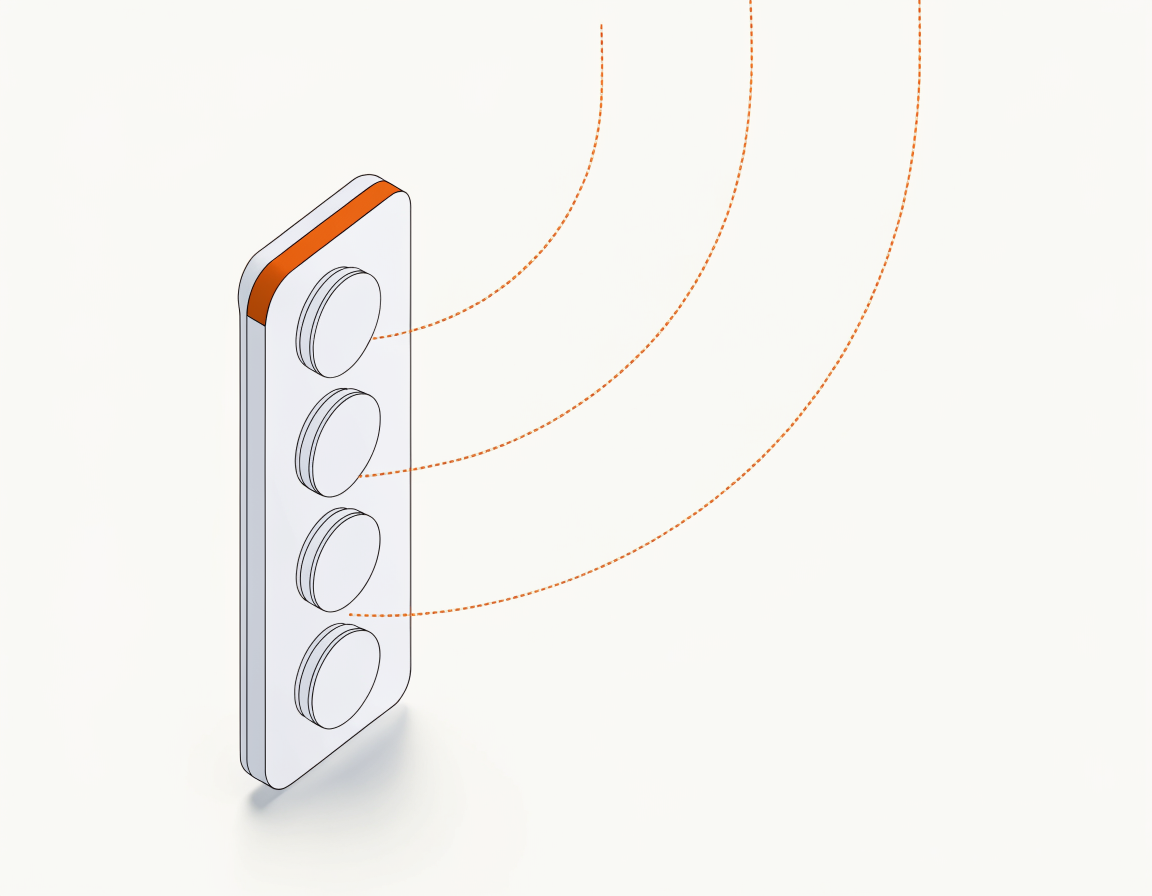
Deposits, not invoices
What an invoice cannot be asked to do
An invoice is a request for one amount, and it finishes — paid, expired or cancelled. A channel carries none of that: nothing to match, no clock, no last state.
The address outlives the payment
One address per supported network, held for as long as the channel exists. An invoice derives a fresh address each time; a channel hands out the same one and keeps it.
Keyed by the id you already store
A channel is opened against your own id for that customer, so finding it later takes the identifier your database already carries. Nothing new to reconcile against.
Every arriving transfer is a deposit
Each one is booked with its gross, its fee and its net, the rates in force at that moment, and the onchain evidence behind it — written down as the money lands, not worked out afterwards.
Blocked, not deleted
Blocking stops a channel taking new deposits. The channel, its addresses and everything it has already recorded stay exactly where they were until you unblock it.
How it works
Opened once, then simply there
The first call sets it up. After that a channel is something you read, not something you maintain.
Open it with your customer id
Send the project and your own id for that customer. Call it again whenever you like: the same pair answers with the channel that already exists, rebuilt with today's addresses and minimums, never a second one.
Show the address for their network
Every network on the channel carries its own address and the tokens it accepts, each with a minimum. A transfer under that minimum is not credited, and an address that has not appeared yet is still coming rather than unavailable.
Read the deposits as they settle
Deposits are their own resource. List them in publication order behind a cursor that only moves forward, so a reader that keeps its place cannot skip a settled payment.
Who opens channels
When the customer is paying themselves
Money that arrives before anyone knows what it will buy has nothing to be an invoice for.
Account top-ups
The customer funds a balance now and spends it in pieces later. There is no order to attach the payment to, and no amount anyone could have asked for.
Exchanges and brokers
Each user wants a deposit address per network, and wants it to be the one they saw last time. That is the shape of a channel, exactly.
Player balances
A player tops up, plays, tops up again. The address in their account this month is the address they saved on their first visit.
Counterparties on their own clock
A partner, a supplier or a branch sends when it suits them. They keep the address; you keep a record of what arrived under their id.
Pick your path
Other ways to take a payment
Same Paymos backend. Pick the surface that fits how your customers already buy — or run several at once.
Hosted checkout
A Paymos-hosted payment page. Share the URL or redirect from your cart — customer pays on our domain, you take the webhook.
Open Hosted CheckoutEmbed on your site
The same checkout opens inside your domain — no new tab, no new URL. Stays on your brand from cart to confirmation.
Open Embedded CheckoutSend a payment link
No-code share URL from the dashboard. Paste anywhere — email, SMS, Telegram, support chat, invoice PDF.
Open Payment LinksPay button widget
Add a Pay button to any page for donations, tips, and pay-what-you-want pricing. Customer picks the amount.
Open Pay Button WidgetPhone-as-terminal POS
Any phone or tablet becomes a crypto terminal. Enter the amount, show the QR, customer scans and pays.
Open Terminal POSTelegram checkout
A Telegram-bot project's payment link opens a chat, not a page. Customer picks asset and network there — no Paymos account needed.
Open Telegram CheckoutPricing
1.0% standard, frozen into the deposit as it is booked
Enterprise pricing is a flat 0.3%, on request. Each deposit keeps the rates in force the moment it was booked, beside its gross, fee and net — a later change cannot rewrite what an older one cost.
See pricing