You click “Connect wallet” to pay for a purchase. A phishing page immediately asks for a signature, calling it payment confirmation. The request could grant token spending rights or delegate your account to code. Your intended purchase amount would then tell you little about the funds at risk.
For an ordinary purchase, choose a transfer from your own wallet. Use the invoice details without connecting to the website. Check the recipient, asset, network, and amount, then confirm that specific transfer. The website needs no new permission to spend the balance you leave behind.
Why does Paymos use an address and QR code?
Paymos chose a checkout without website wallet connection. The page shows payment details and a QR code; WalletConnect is not supported. You send from your own wallet.
On desktop, the QR can hold the address or the selected wallet's payment link. Where that wallet supports the link for the selected network, it can help fill in the asset, network, and amount. On mobile, the QR holds only the address. Check the resulting details in either case.
You still sign the transfer in your wallet. Paying this way keeps the confirmation tied to a sending action, without a separate grant of control over your remaining funds. It also leaves you responsible for checking where the invoice came from.
Does connecting a wallet let a website take funds?
Connection alone does not grant token spending rights or delegate an account. It usually shares the selected public addresses and networks and lets the website propose further requests. MetaMask lets you review connected accounts and networks in its site permissions settings.
Legitimate services use wallet connections too. The risk in the phishing scenario comes from what you approve afterwards. A familiar Connect button cannot tell you what the next request means; read the wallet's request rather than treating it as another checkout step.
What does a token approval authorize?
An approval gives a specified address permission to spend a particular token up to a limit. Wallets and applications may call this approve or allowance. The limit can exceed your purchase, and the permission can remain after you finish paying. MetaMask explains token approvals and revocation.
Repeated operations can make that arrangement useful. A malicious spender, however, can put more than the invoice amount at risk. For a purchase you planned to pay by transfer, stop if the wallet instead asks for spending permission. You need an explanation of the recipient and limit before approving it.
Can a gas-free signature carry spending rights?
Yes. Signing without an immediate gas charge says nothing about authority. For tokens that support ERC-2612, a permit signature can establish an allowance when another party submits it on-chain. Check who can spend and how much.
The message's deadline limits when the signature can be submitted. It does not, by itself, expire an allowance already established. A page describing the request as login or purchase confirmation cannot change the signed data's meaning.
Why can EIP-7702 reach beyond one network?
EIP-7702 authorizes selected code to run in your EVM account's context. Malicious code can control its funds; Ethereum's EIP-7702 guidance warns about phishing that tricks people into such delegation.
An authorization with chain_id=0 is not bound to one chain. It can apply across supporting EVM networks when each network's authorization conditions, including the account nonce, and execution conditions hold. The specification sets these boundaries. This is a particular authorization type, not a property of every signature or every blockchain.
For a one-off invoice transfer, delegating account code goes beyond the action you intended to confirm.
What should you check before sending?
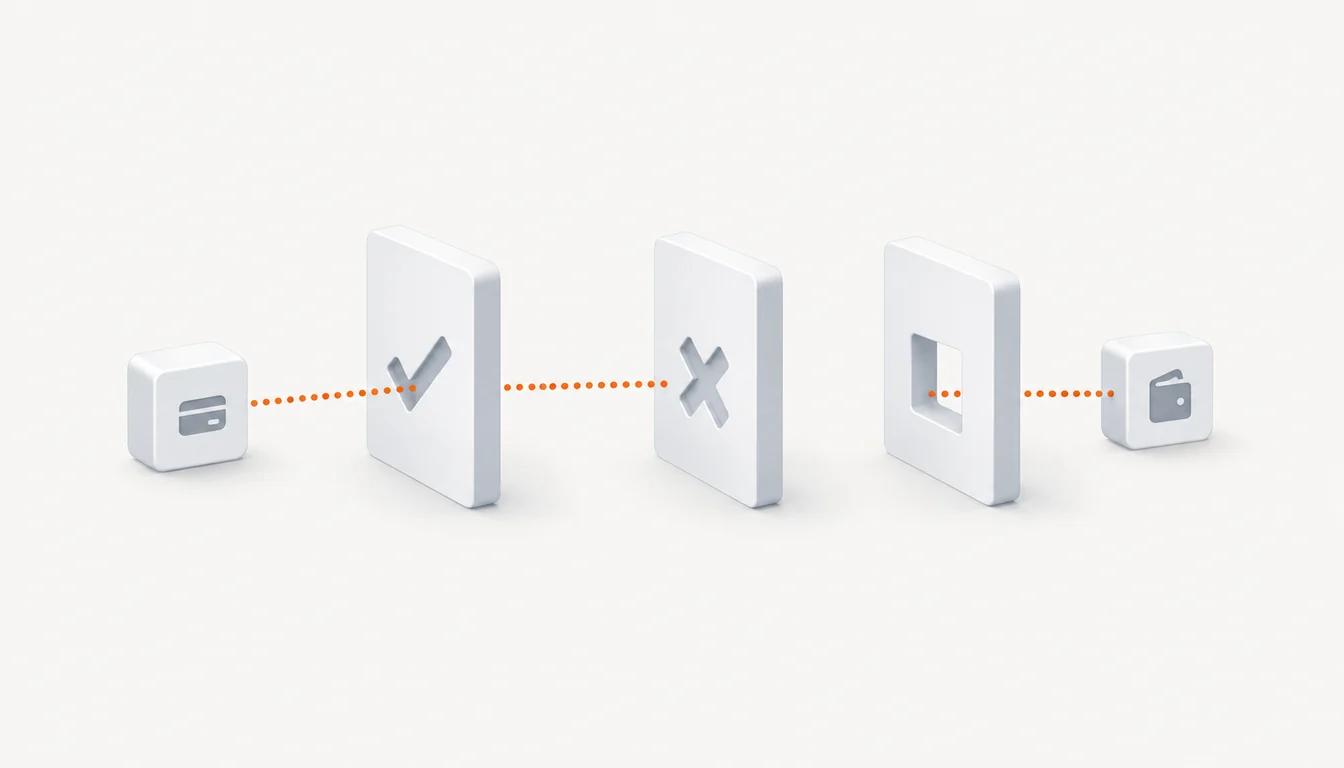
Open the invoice from a known source and check the domain. Compare its recipient, asset, network, and amount with the wallet, including after scanning a QR. Then check the request type: understand the transfer you are confirming, and stop if an unexplained approval or delegation appears.
Wallet alerts help, but cannot catch every threat. MetaMask states that limitation in its security alerts guidance. A request without a warning still needs your review.
| Action | What you authorize |
|---|---|
| Connect | Share selected addresses and receive requests |
| Transfer | Send an asset to an address on a specific network |
| Token approval | Let a specified address spend a token up to a limit |
| EIP-7702 delegation | Run selected code in your EVM account’s context |
Frequently asked questions
Does a QR code guarantee a safe payment?
No. A QR can contain the wrong recipient. Check the invoice source and the details your wallet shows before sending.
Do I still sign an address-based transfer?
Yes. You confirm the transfer in your wallet. Sending it needs no separate permission for the website to spend your remaining balance.
Does disconnecting a website revoke token approvals?
No. An existing on-chain allowance needs a separate revocation. Disconnecting the website does not cancel it.
Sources
- 1. EIP-7702: Set Code for EOAs (accessed 2026-10-09)
- 2. Pectra EIP-7702 guidelines (accessed 2026-10-09)
- 3. How to manage dapp permissions (accessed 2026-10-09)
- 4. ERC-2612: Permit Extension for EIP-20 Signed Approvals (accessed 2026-10-09)
- 5. How to revoke smart contract allowances/token approvals (accessed 2026-10-09)
- 6. How to manage security alerts to protect your wallet (accessed 2026-10-09)
Last reviewed Oct 9, 2026