Oct 2026 Product
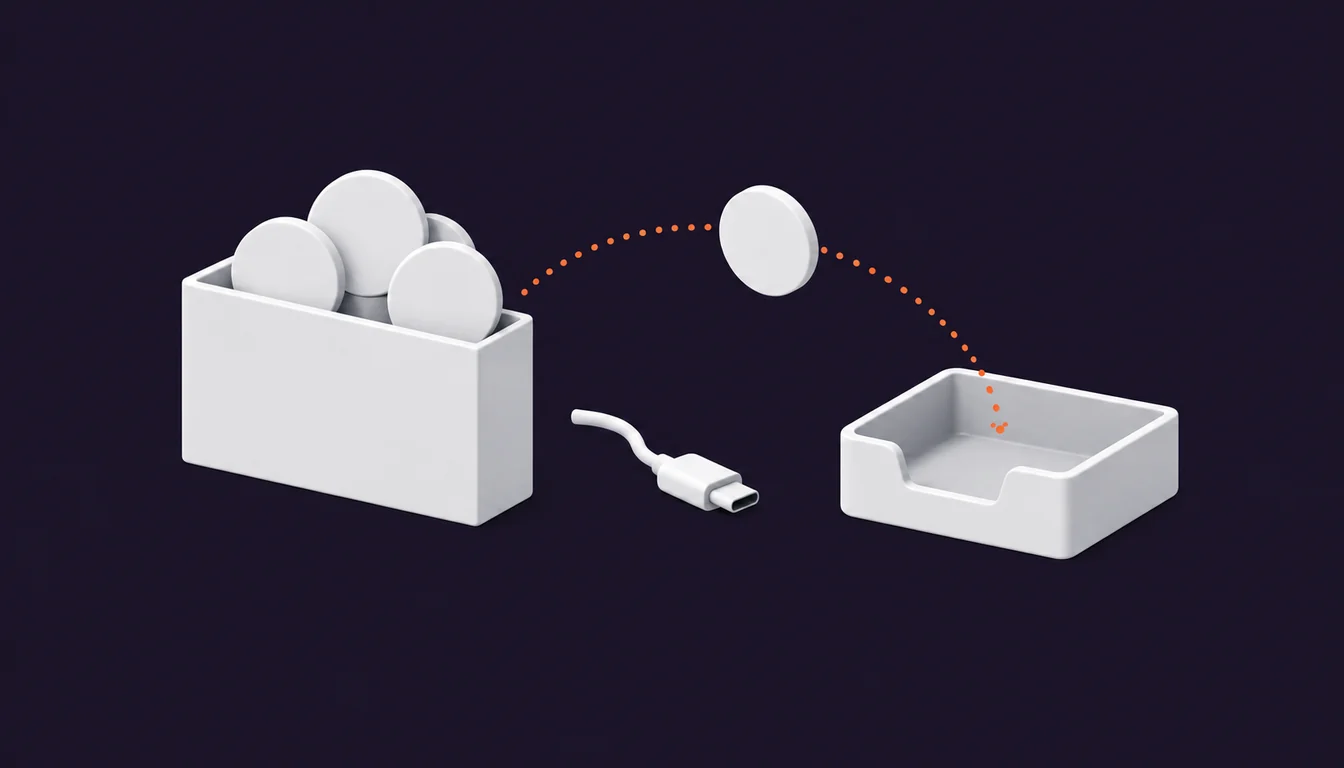
Crypto payment without wallet connection
Pay with crypto from your own wallet using invoice details. Learn what connections, token approvals, permits, and EIP-7702 signatures authorize before paying.
4 min read
Product updates and practical guidance for configuring Paymos checkout, integrations, confirmations, balances, and settlement.
Pay with crypto from your own wallet using invoice details. Learn what connections, token approvals, permits, and EIP-7702 signatures authorize before paying.
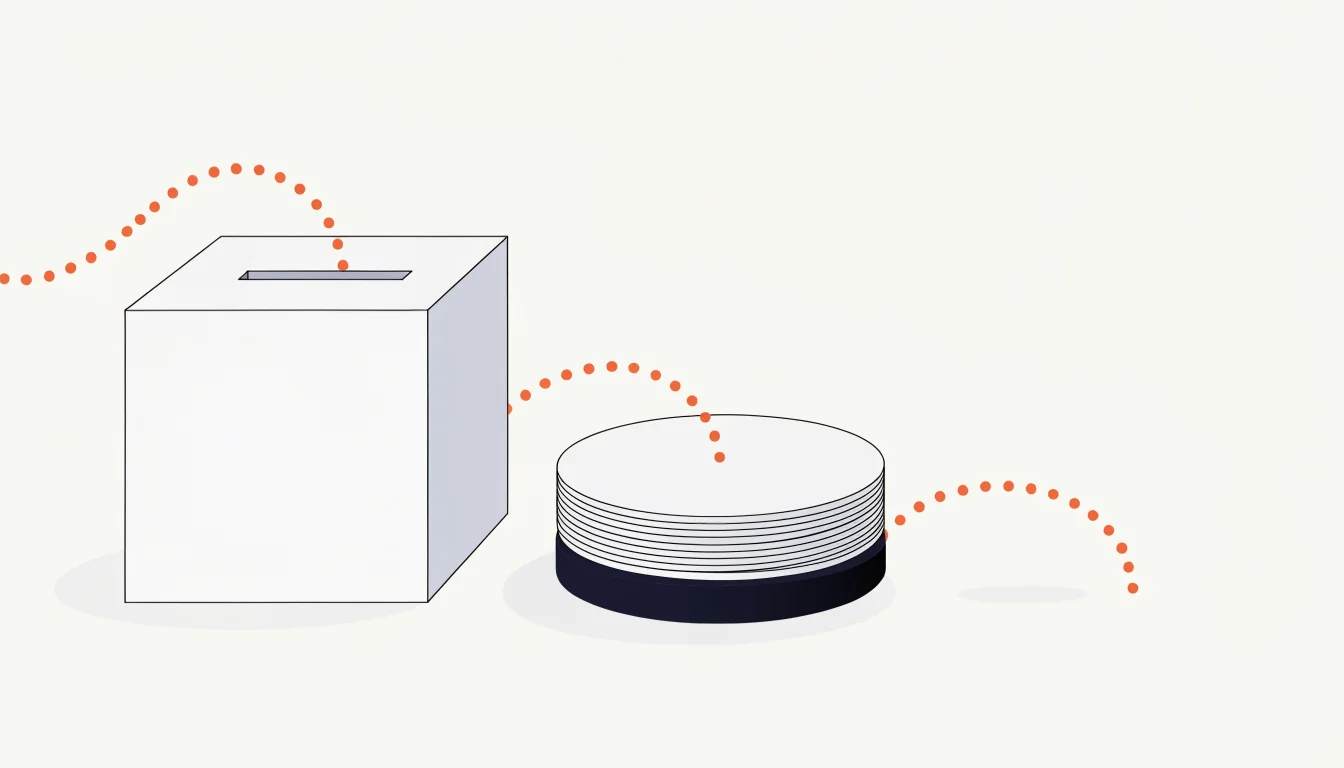
Customer sent crypto on the wrong network? In Paymos it pays the invoice or lands on your balance — unless the token, network, or amount is not accepted.
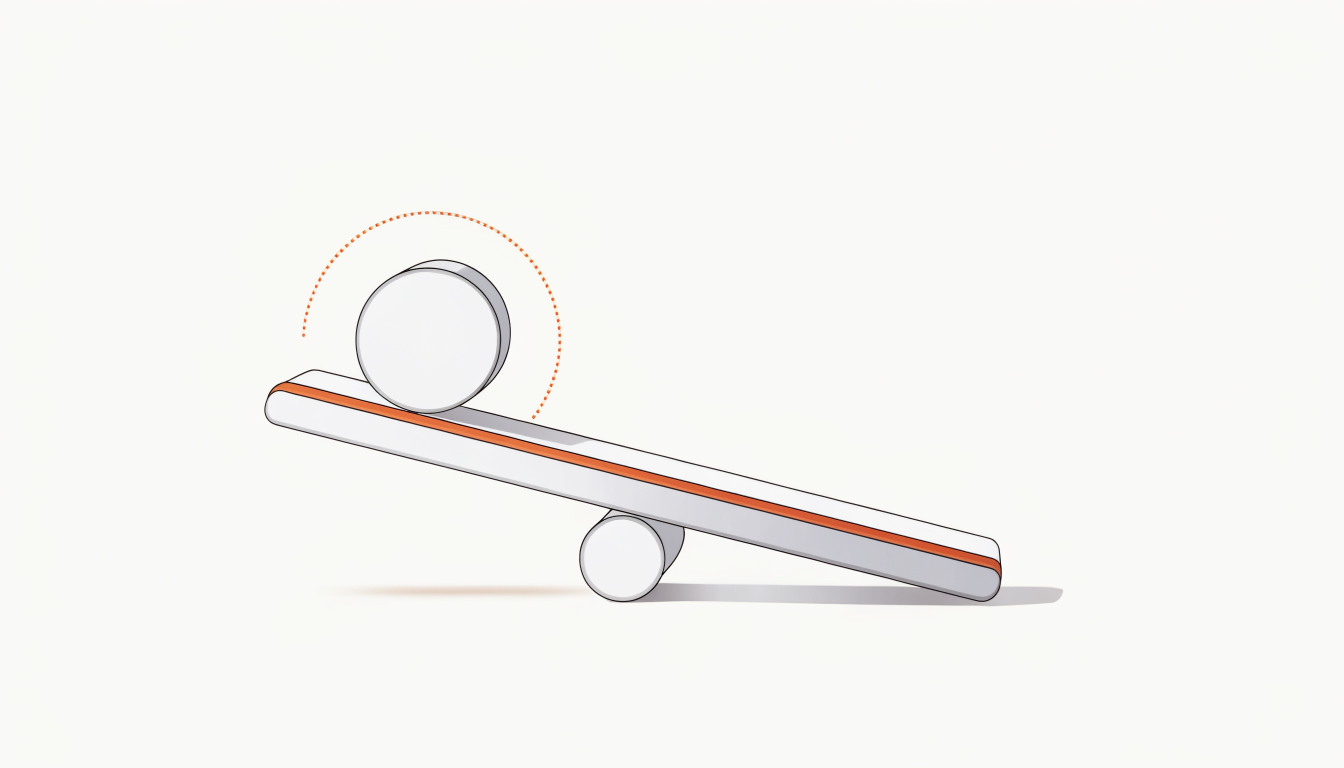
Every Paymos project sets what share of the 1.0% processing fee is added to the payer's amount. The default is 0%, and the payer sees no fee line.
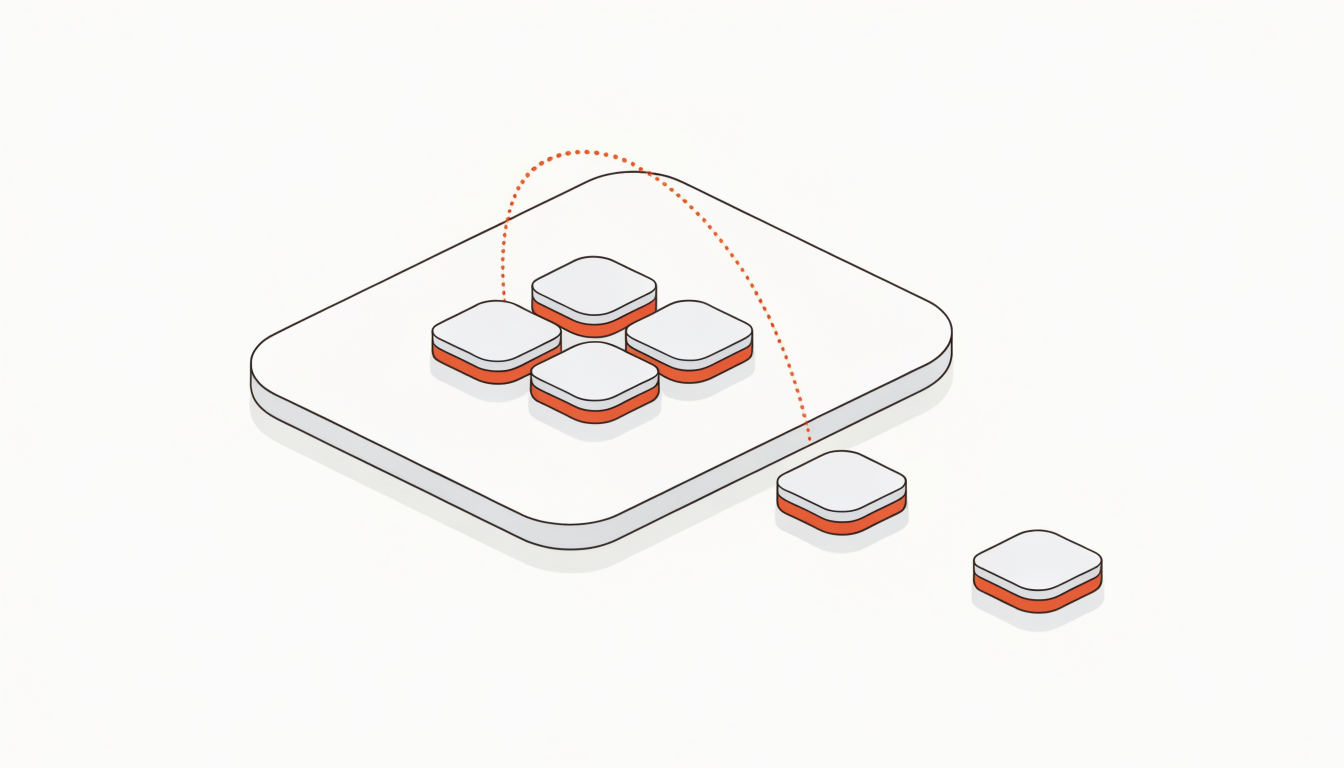
Paymos affiliate tiers are re-derived daily from a rolling 30-day count of active merchants, so a rate falls as well as rises. What counts, and when.
A crypto POS terminal that runs in a browser: one link per project, 46 supported fiat currencies, and no inventory, shifts, receipts, tax, or tipping.
Accept crypto payments in Telegram: on the Telegram-bot channel a Paymos invoice link opens a chat with the bot instead of a hosted payment page.
Accept crypto payments on your website with payment links, hosted checkout, CMS plugins, or a widget. See what needs no code and what needs a backend.
Learn how to accept USDT and USDC payments on a website: choose a payment flow, enable supported networks, and define fulfilment and settlement.